how to disable ” find my iphone” without password

i just read an interesting article on how to disable  ” Find my iphone ”  withOUT a password .

i tested it ……guess what …IT WORK ! tmd .

( tested on iOS7.0.4 on both iphone4 and iphone4s )

it is also said that this wouldnt work on beta iOS7.1 . so this flaw is most likely to be fixed in iOS7.1 update .


below are the steps .

1. Navigate to iCloud in Settings.
2. Select your account.
3. Change the password to an incorrect one then tap Done.
4. Tap OK when warned that it is the wrong password. Then tap Cancel.
5. Reselect your account.
6. Empty the description field and then press Done.
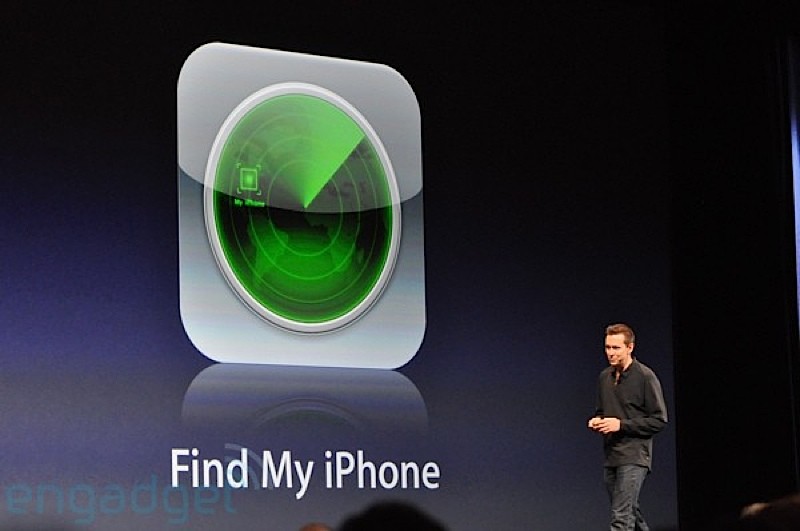

 

Find-My-iPhone

Standard

#ft ( fxxx thursday ) free app

snappen


#ft

SnapPen  – Universal App

check this is out ! THIS WILL BE FUN !!!!

Sending a photo to someone is one thing, but sometimes there’s more to the story you want to add, but don’t know how to. That’s where SnapPen comes into play, an iPhone app that lets you send photos with a special touch.

SnapPen is a simple way to scribble and make notes on your photos in almost zero time. Simply take a photo, or choose one from your device’s library, and then jot down whatever you’d like with the handy pen available. You can draw items, mark dimensions of something, put names on the photos, or basically whatever you’d like to do with the tool. It’s simple and straightforward, and the pen strokes are of high quality and smooth as you draw them. There’s an unlimited undo option, and when you’re finished, you can share through SMS, email, AirDrop, Twitter, Facebook, and more. Grab SnapPen and make your photo sharing experience a little more detailed and fun

LIKE IT !!! SHARE IT !!!!

Standard