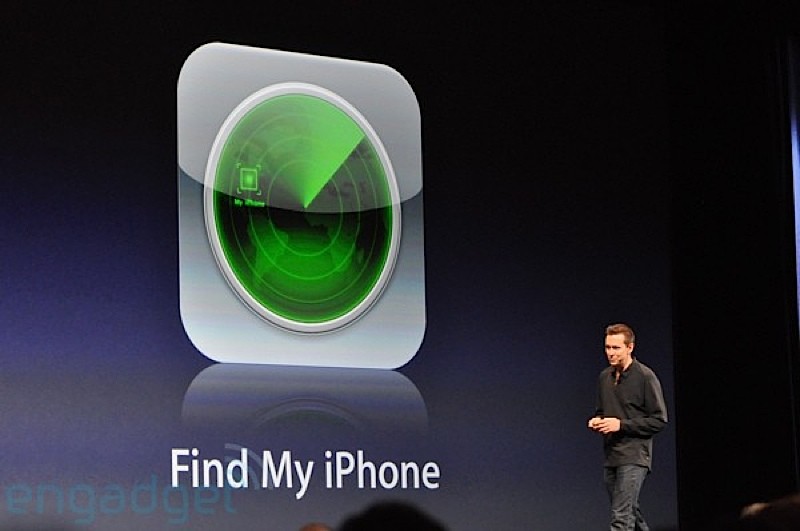
i just read an interesting article on how to disable ” Find my iphone ” withOUT a password .
i tested it ……guess what …IT WORK ! tmd .
( tested on iOS7.0.4 on both iphone4 and iphone4s )
it is also said that this wouldnt work on beta iOS7.1 . so this flaw is most likely to be fixed in iOS7.1 update .
below are the steps .
1. Navigate to iCloud in Settings.
2. Select your account.
3. Change the password to an incorrect one then tap Done.
4. Tap OK when warned that it is the wrong password. Then tap Cancel.
5. Reselect your account.
6. Empty the description field and then press Done.